Ask a plant manager how much downtime they had last week and you'll usually get one of two answers. A number from a register that someone filled in at the end of the shift. Or a shrug.
Neither is their fault. When machines don't report their own state, people have to. And people write things down late, round them off, or forget.
We saw this up close at Rajasi Packaging, a pouch-machine manufacturer. Stoppages were logged manually. There was no live view of machine health. Faults got noticed when someone walked past, or when output dropped enough to show up in the numbers.
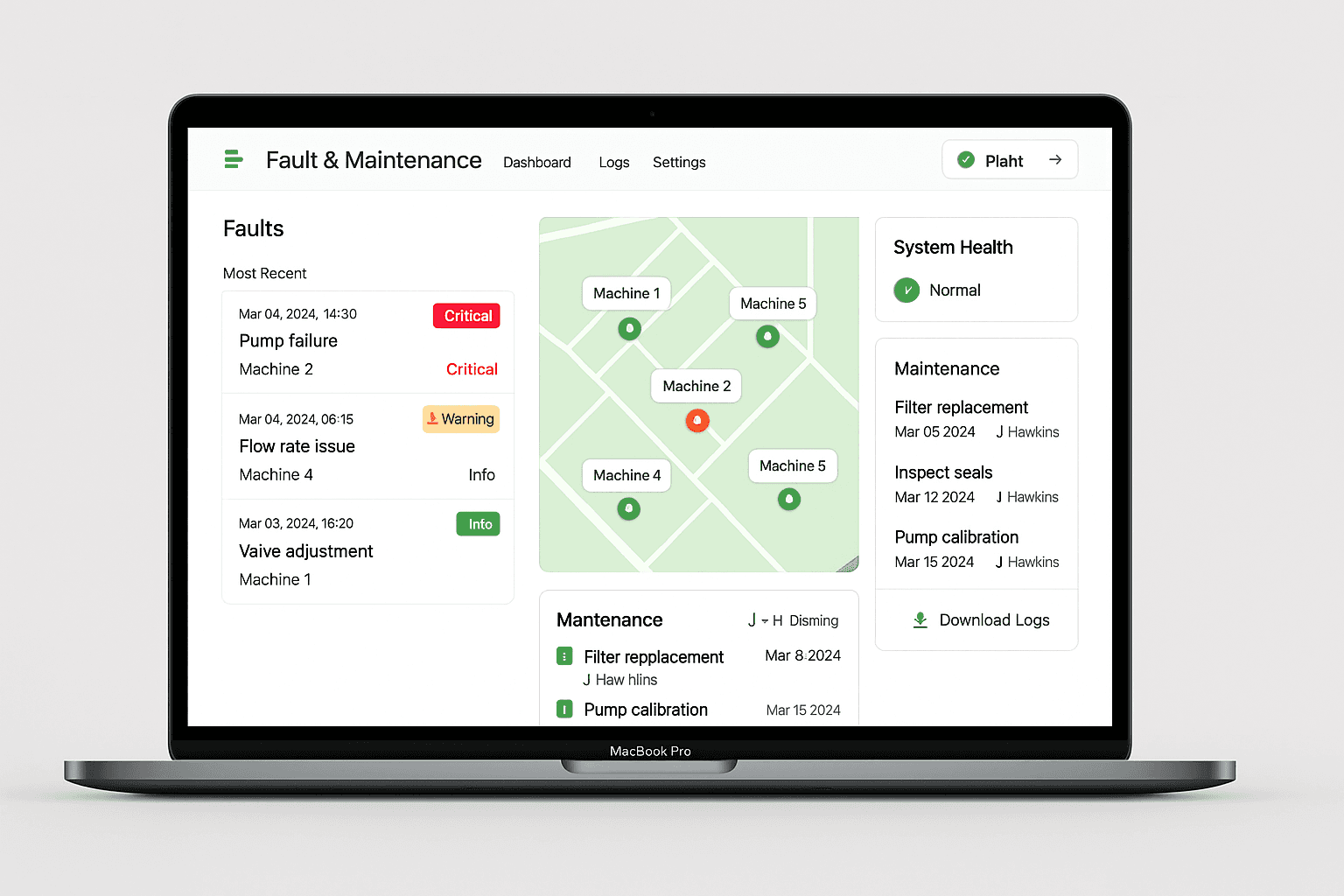
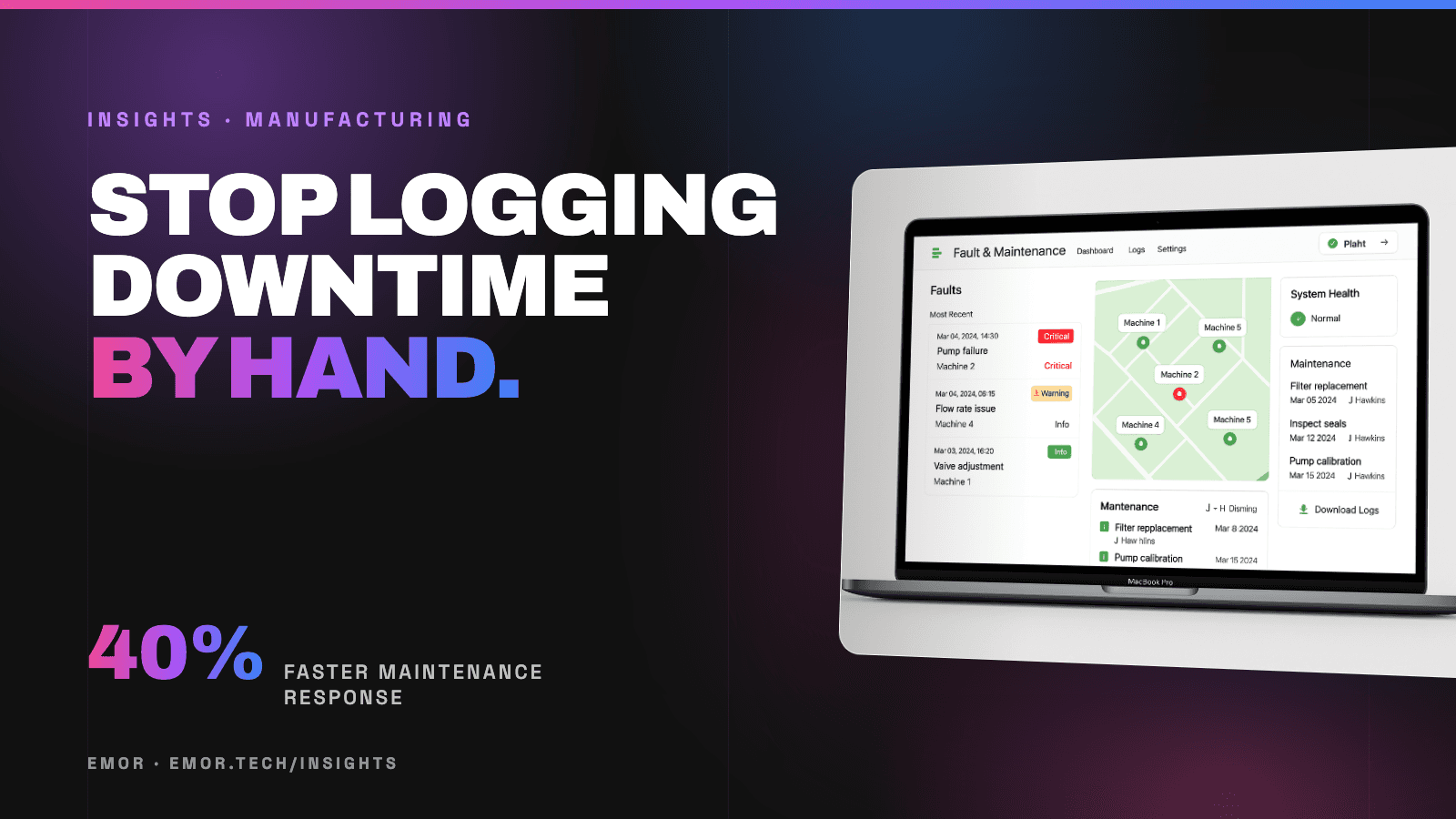
So we built them a machine monitoring dashboard. It took about six months from kickoff to rollout, and maintenance response got 40% faster. Here's what that work actually involved, in case you're weighing something similar.
What "machine monitoring" actually means
Strip away the buzzwords and it's three things:
- Collect — each machine sends its state (running, stopped, fault), counts and key readings every few seconds.
- Show — one screen where anyone can see which machines are running, which have stopped, and why.
- Alert — the right person gets told the moment something needs attention, not at the next shift meeting.
That's it. Everything else (reports, OEE charts, history) is built on top of those three.
Step 1: get the data off the machine
This is the part people worry about most, and it's usually less scary than it looks.
Most industrial machines already know their own state. The question is how to read it. Depending on the equipment that means tapping the controller (PLC) directly, adding a small sensor or counter, or reading a signal the machine already exposes.
On the Rajasi project the machines publish their data over MQTT — a lightweight messaging protocol built for exactly this. It's cheap on bandwidth, handles flaky factory Wi-Fi well, and lets you add machines without rebuilding anything.
Our advice: don't start by wiring the whole plant. Pick the machines that hurt most when they stop, and prove it there.
Step 2: decide what the dashboard must answer
A dashboard that shows everything gets ignored. We start by asking the people who'll use it one question: *what do you need to know in the first ten seconds?*
For a maintenance team that's usually:
- Which machines are down right now, and for how long
- Runtime vs. stoppage time today, per machine
- What the last fault was
For the plant head it's trends — which machine keeps stopping, which shift loses the most time.
The Rajasi dashboard covers runtime and stoppage tracking plus a fault alert system for the maintenance team. Built with React on the front end and Node.js behind it, so it runs in a browser on the shop floor, in the office or on a phone.
Step 3: alerts that people don't mute
Alerts are where most monitoring projects quietly fail. Send too many and people stop reading them. Send them to the wrong person and nothing happens.
What works:
- Alert on what someone can act on — a stoppage over a few minutes, a fault code, a reading out of range. Not every blip.
- Route by role — the maintenance team gets the fault, the supervisor gets the long stoppage, the plant head gets the daily summary.
- Make it obvious when it's handled — so two people don't run to the same machine.
This is what drove the 40% faster maintenance response. Nobody worked harder. They just found out sooner.
Step 4: start small, then extend
We ran a related project for Rajasi too — a dashboard for their industrial filter machines, tracking cycle count, flow rate and alerts. It started as a pilot and the scope was extended once the plant saw it working.
That's the pattern we'd recommend to anyone: one line or a handful of machines, five or six months to something the team relies on daily, then roll it out.
What it won't fix
Honest bit. A dashboard shows you the problem faster. It doesn't fix a machine that's badly maintained, or a process that's broken. What it does is take away the guessing — so the conversations about *why* a machine keeps stopping start with real numbers instead of opinions.
Is it worth it for your plant?
A few questions to ask yourself:
- Do you find out about stoppages from a person, or from the system?
- Could you say right now which machine lost the most time last month?
- How long does it take for a fault to reach the person who can fix it?
If the answers make you wince, it's probably worth a conversation. See how we approach this on our manufacturing page, or tell us about your plant — we'll tell you honestly whether it's worth doing.