Here's how after-sales service works at a lot of industrial companies.
A customer calls. Someone writes it down. A technician gets a call or a WhatsApp, drives out, fixes the machine, fills in a paper job sheet and brings it back days later. Meanwhile the customer has called twice asking what's happening.
Nobody designed it that way. It just grew. And it works — until you have more customers, more technicians, and no idea which jobs are open.
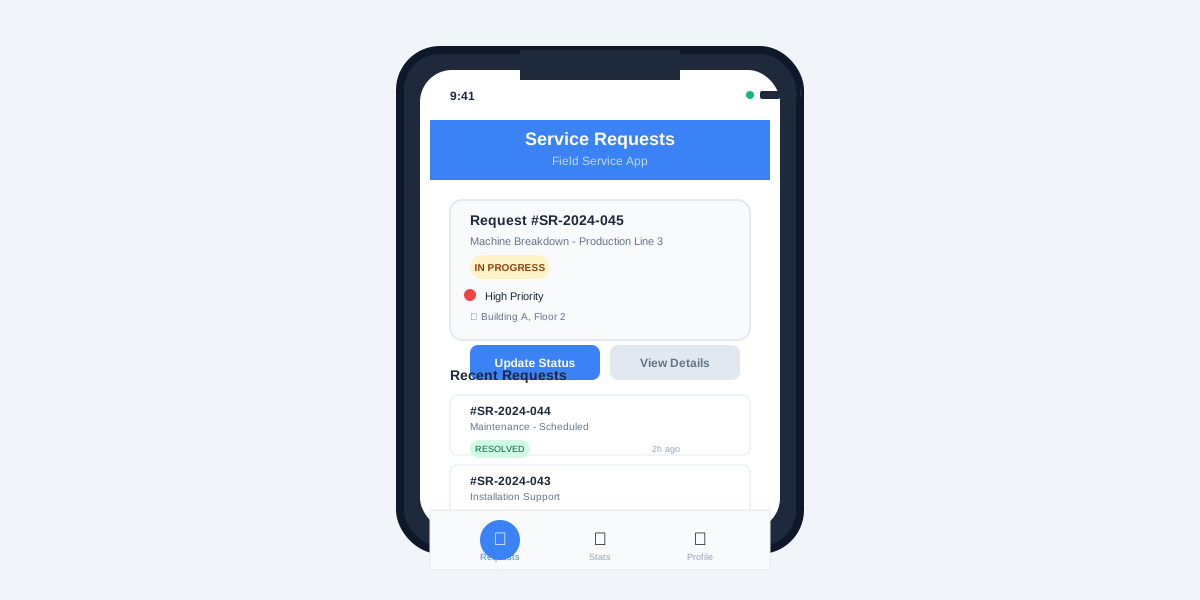
We've built both halves of the fix: a field service mobile app for technicians (for an industrial client we can't name) and a service request portal for Rajasi Packaging's after-sales team. Here's what we learned.
The three problems you're actually solving
When we sat down with these teams, the complaints were almost identical:
- Paper-based reporting and slow resolution. Job sheets arrive late, get lost, can't be searched.
- No real-time view of technician activity. The office doesn't know who's where or what's done.
- Customers in the dark. Updates happen when someone remembers to call.
Every feature we built maps back to one of those three. If a feature doesn't, it waits.
Half one: the technician app
The technician app is deliberately boring. It has to work for someone standing next to a machine with greasy hands and patchy signal.
What it does:
- Shows the technician their assigned jobs
- Lets them log the issue, the fix and the parts used
- Takes photos and media right in the app (this matters more than you'd think — a photo of the failed part settles a lot of arguments)
- Syncs in real time with the central portal, so the office sees the update the moment it's logged
We built it to run on Android and iOS from one codebase, with Firebase handling sync. Four months from start to a working rollout.
Tip: watch two or three technicians do a real job before you design a single screen. The paper form they use today is your first draft — they've already figured out what matters.
Half two: the service request portal
The portal is where customers and the office meet.
For Rajasi Packaging we built:
- A client portal where customers raise support tickets themselves, any time
- An admin panel for the service team to assign tickets and update status
- Automatic notifications so the customer hears about progress without having to ask
That last one sounds small. It isn't. Most of the "where's my technician?" calls disappear once customers get updates on their own.
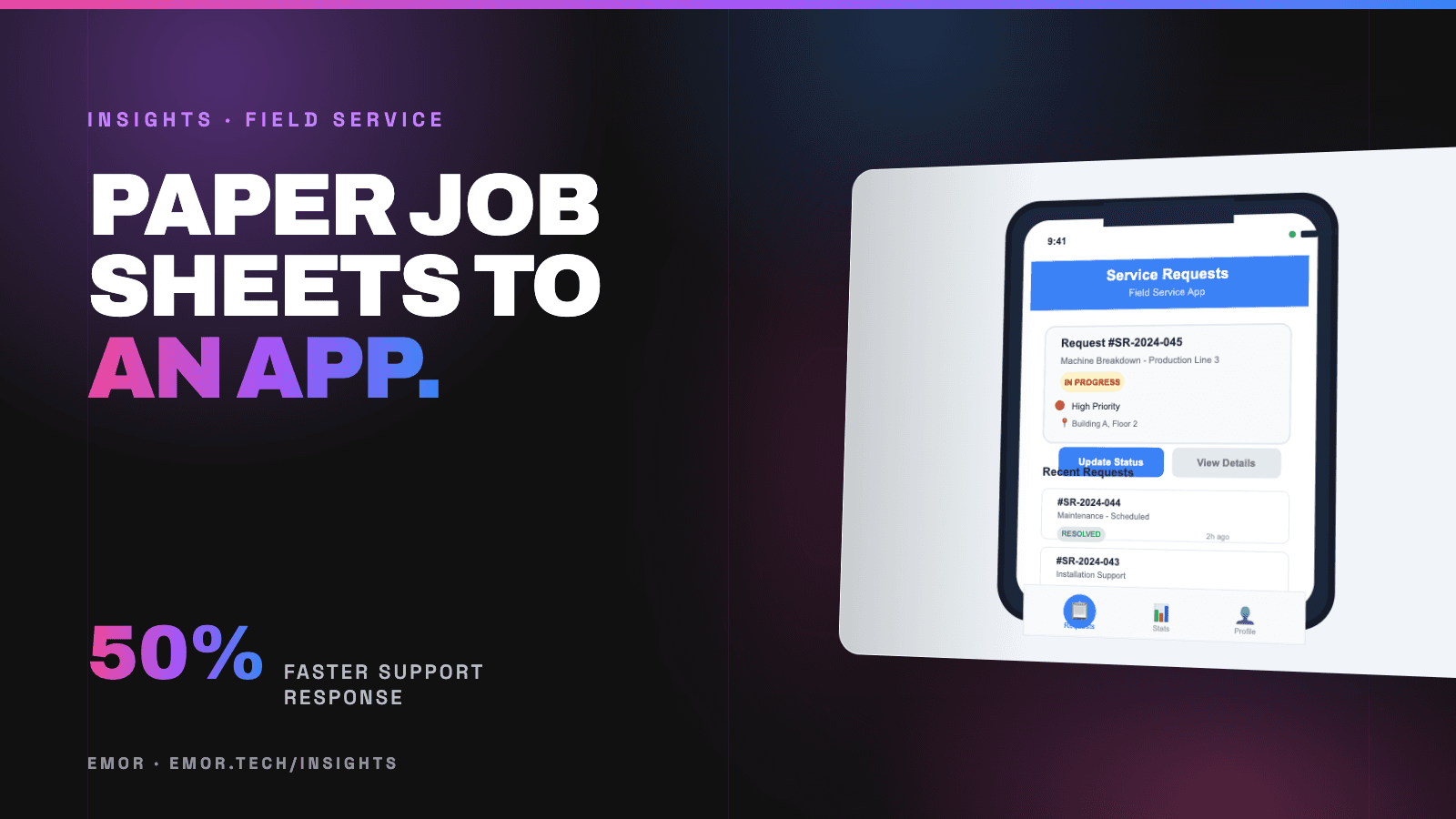
The result for Rajasi: support response got 50% faster, and the team finally had real control over open tickets — who has what, and what's overdue.
Roll it out in this order
The temptation is to launch everything at once. Don't.
- Start with ticket logging. Get every request into one system, even if the rest is still manual.
- Add the technician app for a small group first. Fix what annoys them before the whole team gets it.
- Turn on customer notifications once the data is reliable. Telling customers something wrong is worse than telling them nothing.
- Then reports — response times, repeat faults, technician workload. By now you'll actually have the data.
What changes (and what doesn't)
What changed for the teams we worked with: faster resolution, a lot less paperwork, and customers who could see what was happening.
What doesn't change on its own: if jobs are assigned badly or parts aren't in stock, the app will show you that clearly — but someone still has to fix it. (Stock-outs, by the way, are their own problem. We wrote about spare-parts inventory separately.)
Where to start
If your service team runs on calls, WhatsApp and paper, pick the one problem that costs you most — lost jobs, slow updates, or no visibility — and start there.
Have a look at what we build for manufacturers, or tell us how your service team works today. We'll suggest the smallest useful first step.